Homebrew PC Ports Mission
The mission is to turn scattered release notes, platform quirks, and community discoveries into clear setup pages that users can follow without guessing.
About
HomebrewPort is a practical guide site for homebrew PC ports, fan-made native ports, and modern setup workflows around classic games. The site exists for users who want useful steps, official sources, compatibility notes, and a hard line against unsafe game-file links.
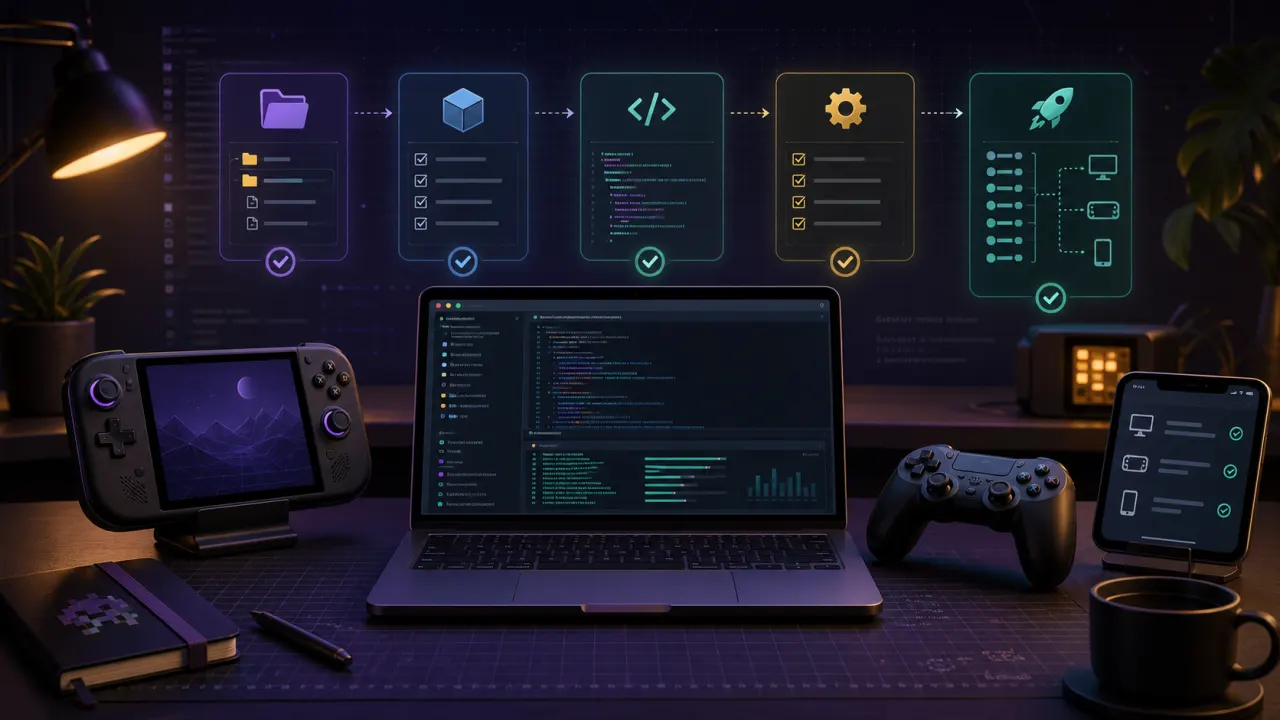
The mission is to turn scattered release notes, platform quirks, and community discoveries into clear setup pages that users can follow without guessing.
HomebrewPort never hosts or links commercial game files. Guides can discuss legally dumped user-owned files, but not sources for copyrighted content.
Every important page should answer what to download, what to prepare, what to test first, and what to do if the setup fails.
Project sites, GitHub releases, platform documentation, and author pages are the first source layer. Community discussion can inform pain points, but official sources anchor the guide.
A confirmed platform build, a reported workaround, and a HomebrewPort recommendation are different things. Pages should make that difference readable.
Install guides favor clean folders, backups, one-change-at-a-time testing, and known-good baselines before texture packs or mods are added.
Homebrew PC ports change quickly. Pages are structured so platform notes, compatibility tables, and tool recommendations can be updated without rewriting the whole site.
The first featured project is Dusk — the native Twilight Princess PC port — covering Steam Deck, Windows, and iOS with texture packs, mods, and controller setup. Once the core guides are solid, the plan is to go deeper: configuration presets, enhanced compatibility tables, controller mapping tools, troubleshooting flows, and guides for other fan-made ports.