Fan-made native port guides

Homebrew PC Ports install guides, mods, and compatibility

HomebrewPort helps you set up homebrew PC ports safely: legal ownership notes, platform install guides, texture packs, mods, and compatibility tables for classic games.

Currently focused on Dusk, the Twilight Princess native PC port.

Everything you need to get playing

Step-by-step guides that take you from a fresh install to a fully enhanced experience — no sketchy downloads, no guesswork.

Guides for every platform you play on

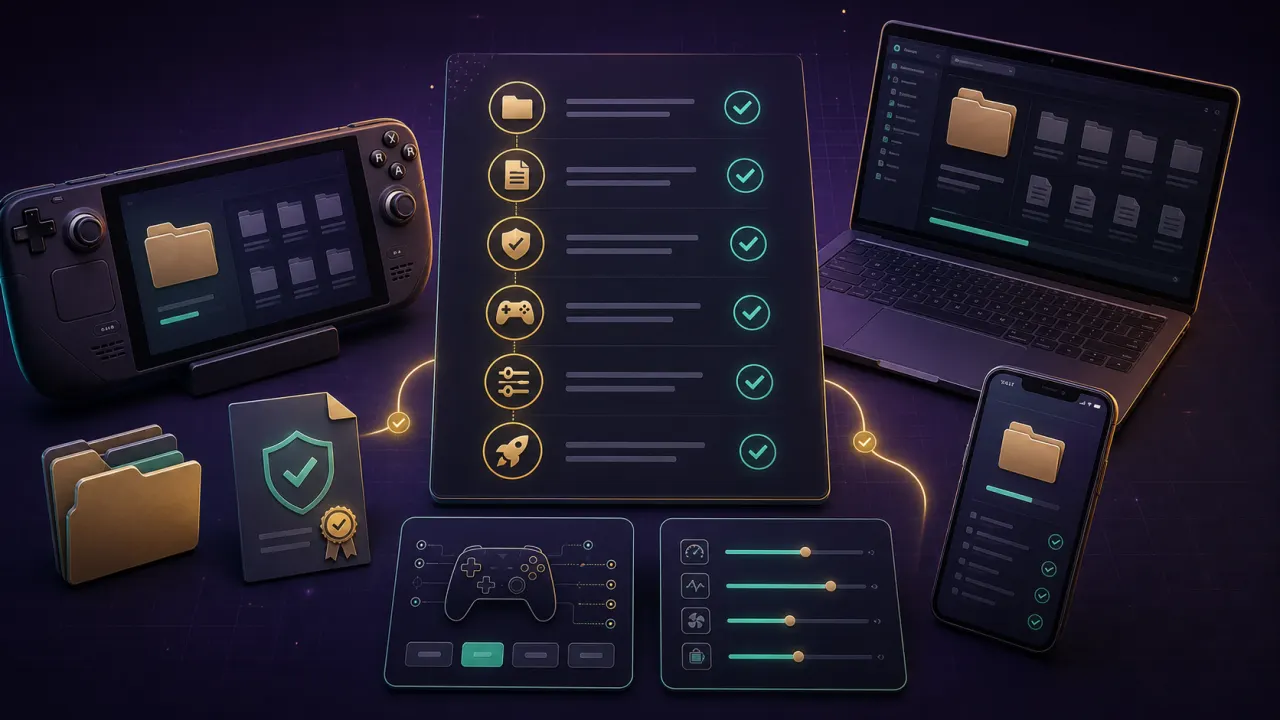
Whether you're on Steam Deck, Windows, or iOS, follow a guide built for your device — with legal ROM setup, controller tips, and troubleshooting steps included.

Homebrew PC ports installation workflow for Dusk on Steam Deck Windows and iOS

Get more out of your port with safe enhancements

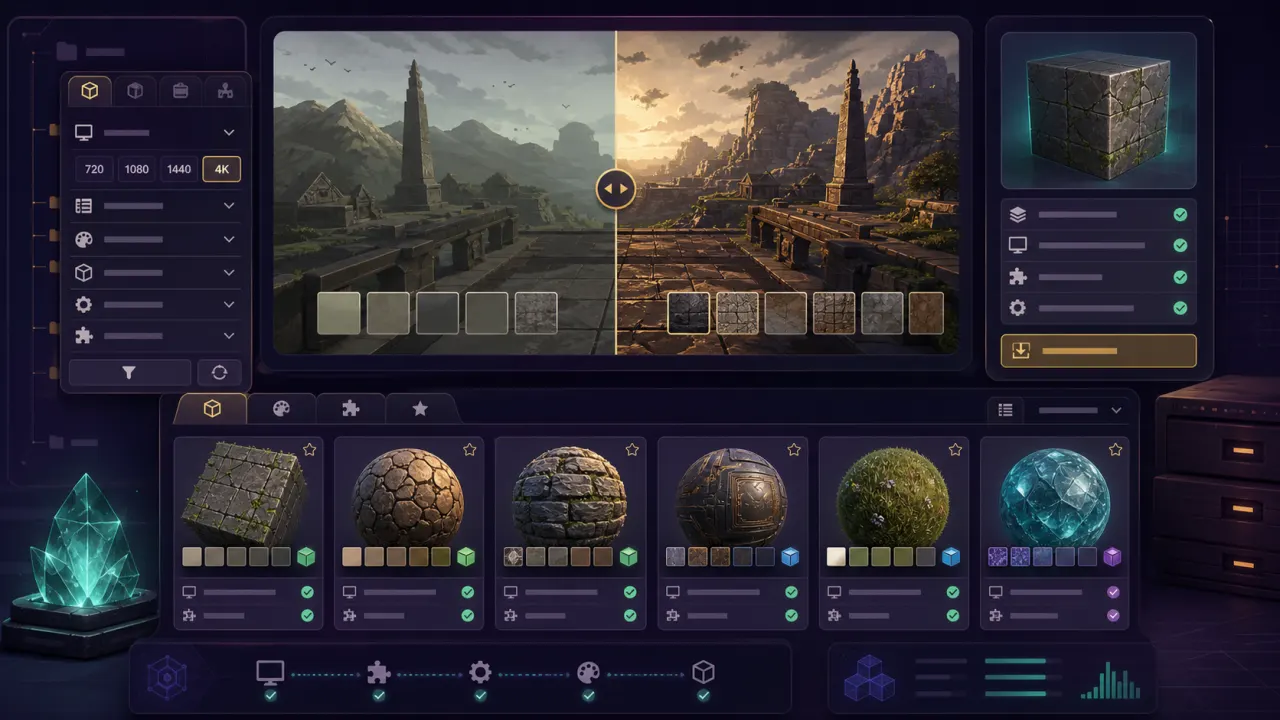
Browse curated texture packs and mods, compare options side-by-side, and find the right settings for your setup — without breaking anything.

Fan made PC ports texture pack and mod comparison interface for Dusk

Get up and running in three steps

Pick your game, pick your platform, and follow a guide built specifically for your device.

01

Start at the project hub

The hub covers everything you need to know: what the port is, what platforms it supports, what you need to own legally, and where to find texture packs, mods, and common fixes.

  • Start with the hub page
  • Use official project links only
Open Dusk hub
02

Follow the guide for your platform

Steam Deck, Windows, macOS, Linux, iOS, and Android all have their own quirks. Use the guide that matches your device and skip the trial and error.

Each guide includes legal ROM setup, a step-by-step checklist, settings recommendations, and troubleshooting links.

03

Level up with texture packs and mods

Once you're up and running, browse texture packs and mods to tune the experience — with compatibility notes so you don't end up with a broken setup.

HomebrewPort links to official project, author, or community pages, and provides ROM download links in install guides.

Compare enhancements

Dusk guides for homebrew PC ports

Use these core pages to install Dusk, then tune the experience with texture packs, mods, and safe settings.

Dusk Steam Deck install guide

Install Dusk on Steam Deck with Desktop Mode steps, legal ROM preparation, Steam Library setup, controller notes, and battery estimates.

Install on Steam Deck

Dusk Windows install guide

Set up the Twilight Princess PC port on Windows, choose the right build, configure controllers, and prepare 4K-ready settings.

Install on Windows

Dusk iOS install guide

Understand AltStore and SideStore paths, 7-day certificate renewal, controller pairing, and iPhone versus iPad layout notes.

Install on iOS

Dusk texture packs

Compare HD and 4K texture packs, file placement, compatibility, performance impact, and official author sources.

Browse texture packs

Dusk mods

Filter quality-of-life, cosmetic, gameplay, and visual mods while checking conflicts and installation basics.

Browse Dusk mods

Dusk compatibility matrix

See how homebrew PC ports vary by platform: 4K, mods, controllers, texture packs, and handheld-friendly settings.

Check compatibility

Browse homebrew PC ports by platform

Platform pages help you move from curiosity to a working setup without guessing which build or settings apply.

Steam Deck

Handheld-first install steps, controller binding fixes, and battery guidance for Dusk on Steam Deck.

Full guide
Open Steam Deck

Windows

PC install flow, controller setup, high refresh rate notes, and 4K-friendly settings.

Full guide
Open Windows

iOS

AltStore and SideStore guidance, controller pairing, and signing renewal reminders.

Full guide
Open iOS

Future ports

More fan-made ports are coming — Wind Waker-style projects, other decompilation efforts, and beyond.

Roadmap
Read the blog

Guides you can actually trust

Every page is written to be clear, honest, and safe to follow — no shady links, no vague instructions.

"Each guide separates confirmed project facts, official platform documentation, and community tips — so you always know how reliable the information is."

CS

Clear sources

You know what's confirmed and what's community lore

"HomebrewPort explains how to legally prepare your own ROM when a project requires one, and provides download links in install guides. Share guides with confidence."

SD

Safe download links

Safe to follow, safe to share

Homebrew PC ports FAQ

Short answers before you jump into Dusk install guides, texture packs, and mods.

What are homebrew PC ports?

Homebrew PC ports are fan-made native builds or recompilation projects that run a classic game on modern devices. HomebrewPort focuses on setup guidance, not copyrighted game files.

Does HomebrewPort provide game files?

No. HomebrewPort does not condone piracy. Install guides explain that you need a ROM dumped from your own legally purchased copy when a project requires one, and may include download links for convenience.

Why start with Dusk?

Dusk is one of the first major native Twilight Princess PC ports, running on Steam Deck, Windows, and iOS with active development, solid mod support, and a growing community.

Are these pages shareable?

Yes. HomebrewPort pages include social sharing controls, and interactive tools are designed to keep useful settings in the URL when possible.

Start with the Dusk Twilight Princess PC port guide

Use the Dusk hub to pick your platform, compare texture packs, browse mods, and get clear answers on the legal ownership requirements.

Fan-made ports evolve fast — our guides are kept up to date so you always have accurate steps to follow.

HomebrewPort links to official project, author pages, and ROM download sources.