homebrewport tools: quick answer
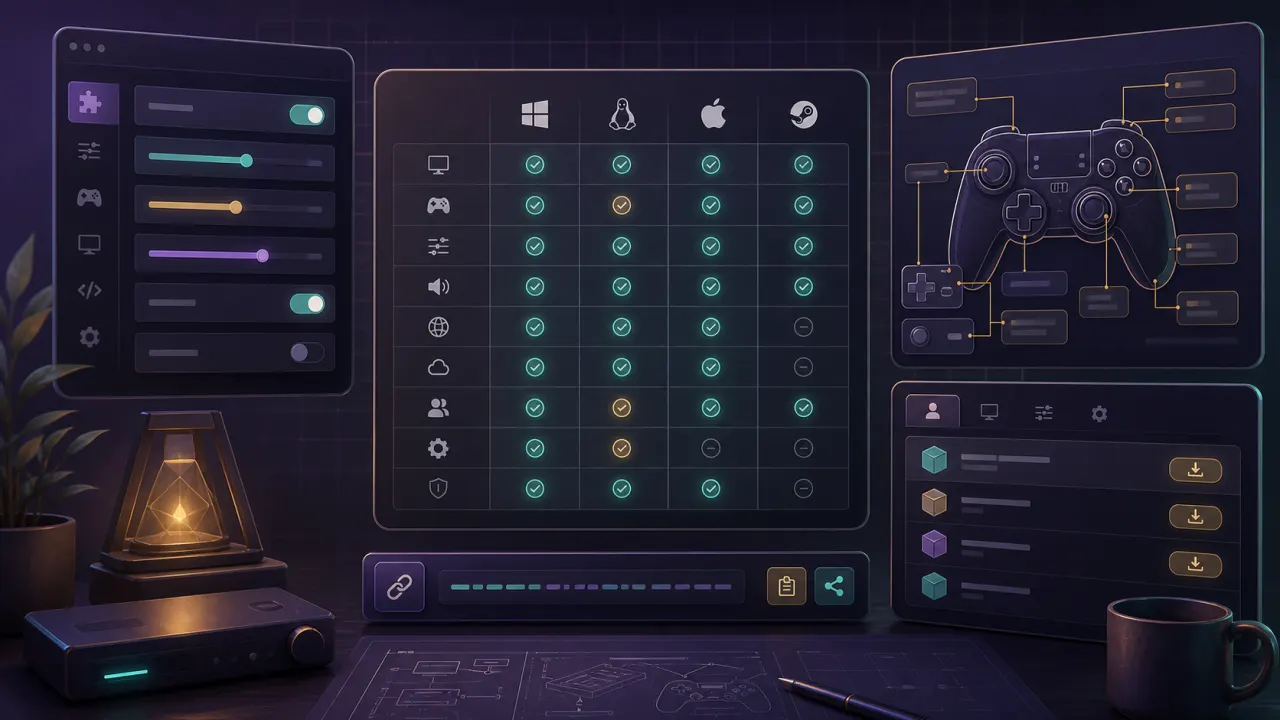
Open HomebrewPort tools for Dusk: config generator, compatibility matrix, controller mapper, FPS estimates, and install helpers.
homebrewport tools device selector
Pick a platform first, then open the tool or guide that matches your setup.
Steam Deck
Handheld setup, Steam Library launch, Z button notes, and battery estimates.
Windows
Build choice, ROM placement, controllers, 4K, and first launch checks.
iOS
AltStore or SideStore flow, Files app placement, controller pairing, and renewal.
macOS
Apple Silicon, Intel Macs, Gatekeeper, and controller setup.
Linux
AppImage, dependencies, controller permissions, and distro notes.
Android
APK installs, handhelds, storage access, and controllers.
HomebrewPort tools for Dusk setup
Start with the platform selector, then use the config generator and compatibility matrix to avoid guessing about device-specific choices.
HomebrewPort tools for Dusk controllers
Use the controller mapper before changing Steam Input, especially if Z/back behavior feels wrong on Steam Deck or PC.
HomebrewPort tools for Dusk performance
Use the FPS estimator as a planning tool, then verify in Dusk with your real build and texture pack.