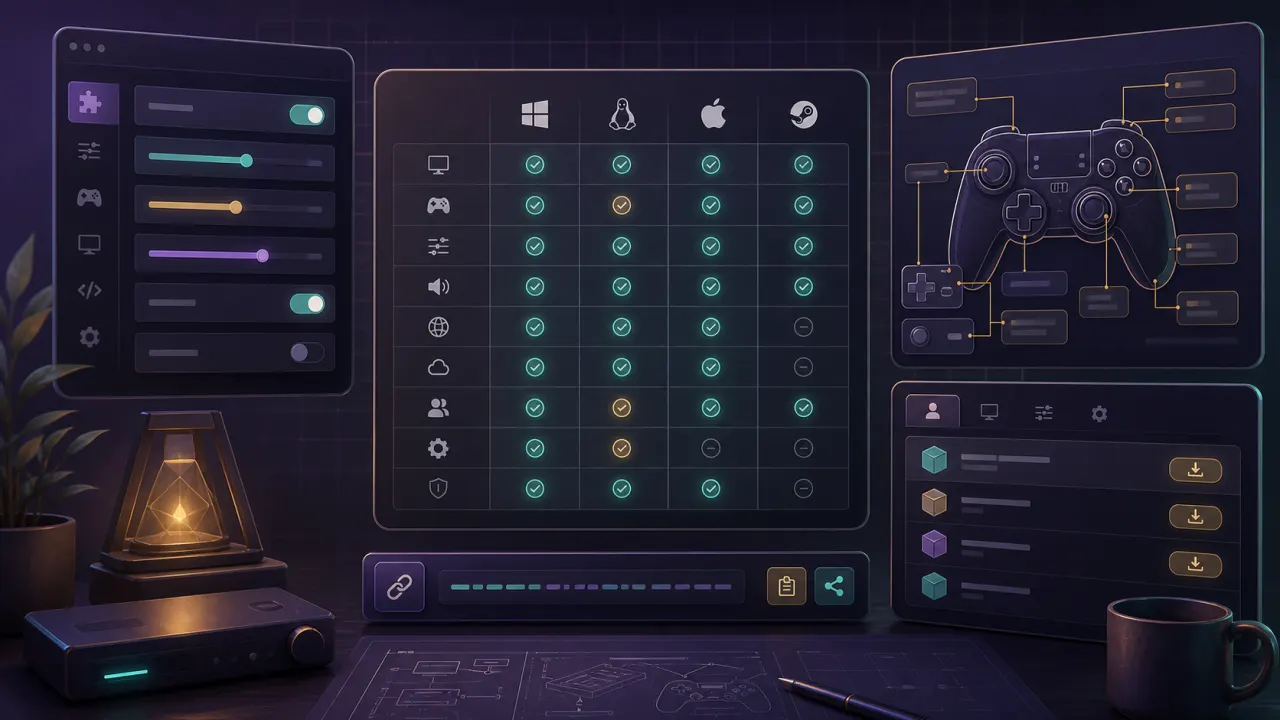
dusk compatibility: quick answer
Interactive Dusk compatibility matrix for Windows, Mac, Linux, Steam Deck, iOS, and Android. Compare controllers, textures, mods, and notes.
dusk compatibility platform matrix
| Platform | Install | Controllers | Texture packs | Mods | Notes |
|---|---|---|---|---|---|
| Steam Deck | Native build | Excellent with Steam Input | Supported | Supported | Best handheld target for early guides. |
| Windows | Native build | Xbox, PlayStation, GameCube adapters | Supported | Supported | Best target for 4K and high refresh displays. |
| iOS | Sideloaded IPA | MFi, Backbone, 8BitDo | Limited by storage | Limited | Certificate renewal is the main maintenance step. |
| macOS | Native build | USB and Bluetooth | Expected support | Expected support | Best on Apple Silicon; remember Gatekeeper checks. |
| Linux | Native/AppImage | May need udev rules | Expected support | Expected support | AppImage permissions and distro dependencies are the likely snags. |
| Android | APK | Bluetooth preferred | Device dependent | Device dependent | Watch storage access and thermals first. |
Dusk compatibility by platform
Windows is the best target for 4K and high-refresh testing. Steam Deck is the best handheld target. iOS and Android need extra attention around storage access, signing, and thermals.
Dusk compatibility for texture packs
Texture replacements work best after a clean launch. On mobile, use smaller texture packs first. On desktop, 4K packs are more realistic.
Dusk compatibility for controllers
Modern controllers should work, but the Z/back action deserves early testing. Steam Input can help on Deck, but native mapping should be checked first.