Dusklight iOS v1.1.1 Update Notes
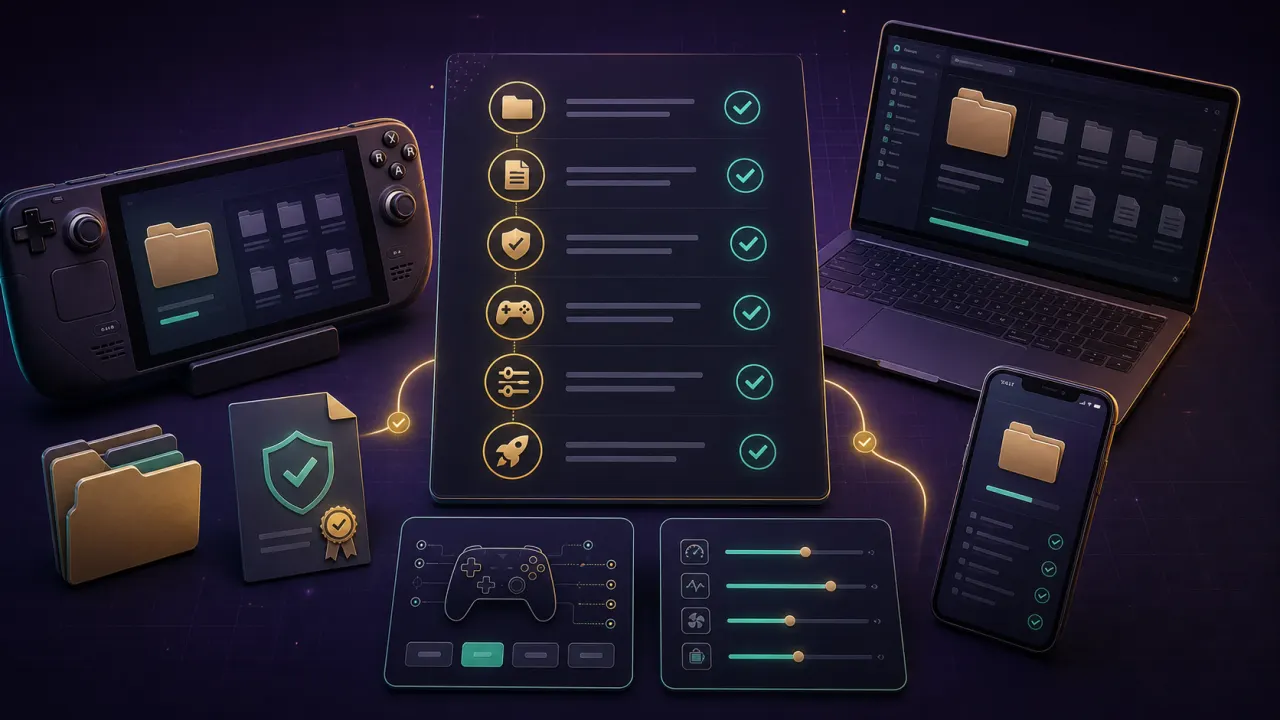
Dusklight iOS v1.1.1 added easier access to Dusk data through the Files app, an iOS Game Mode option, crash reporting, and controller fixes. If you tried an earlier Dusk iOS build, update first and retest storage access before changing mods or texture packs.
Dusk iOS Requirements and Limitations
Dusk iOS depends on device performance, sideloading availability, storage permissions, and controller support. Treat Dusk iOS as more maintenance-heavy than desktop Dusk builds.
Choosing Between AltStore and SideStore for Dusk iOS
AltStore is the familiar route for many users, while SideStore can be more convenient after setup. Use their official documentation and avoid modified IPA mirrors.
Download links for this step
Installing the Dusk IPA on iPhone or iPad
Download the Dusk iOS IPA only from the official project source, open it through your sideloading tool, and keep enough local storage free for saves and user-owned files.
Download links for this step
Adding Your Twilight Princess ROM to iOS
Move your legally dumped GameCube ROM through Files, Finder, or the sideloading tool if supported. You can also download the ROM from the link below.
Download links for this step
Pairing a Controller for Dusk iOS
Backbone, 8BitDo, MFi, Xbox, and PlayStation controllers can work well depending on iOS support. Test the GameCube-style Z action before long play sessions.
Renewing the 7-Day Signing Certificate
Free Apple developer signing usually requires renewal every 7 days. Set a reminder after installing Dusk iOS so the app stays usable.
iPhone vs iPad Performance and Layout
iPad gives more room for touch overlays and external controllers, while iPhone is more portable. Keep texture packs modest until the base Dusk iOS build is stable.
Known iOS Bugs and Workarounds
Dusklight iOS v1.1.1 fixed several early controller and mobile issues, but sideloading, storage permission, and signing problems can still happen. Reinstall from the official IPA and retest Dusk iOS before changing mods or texture packs.