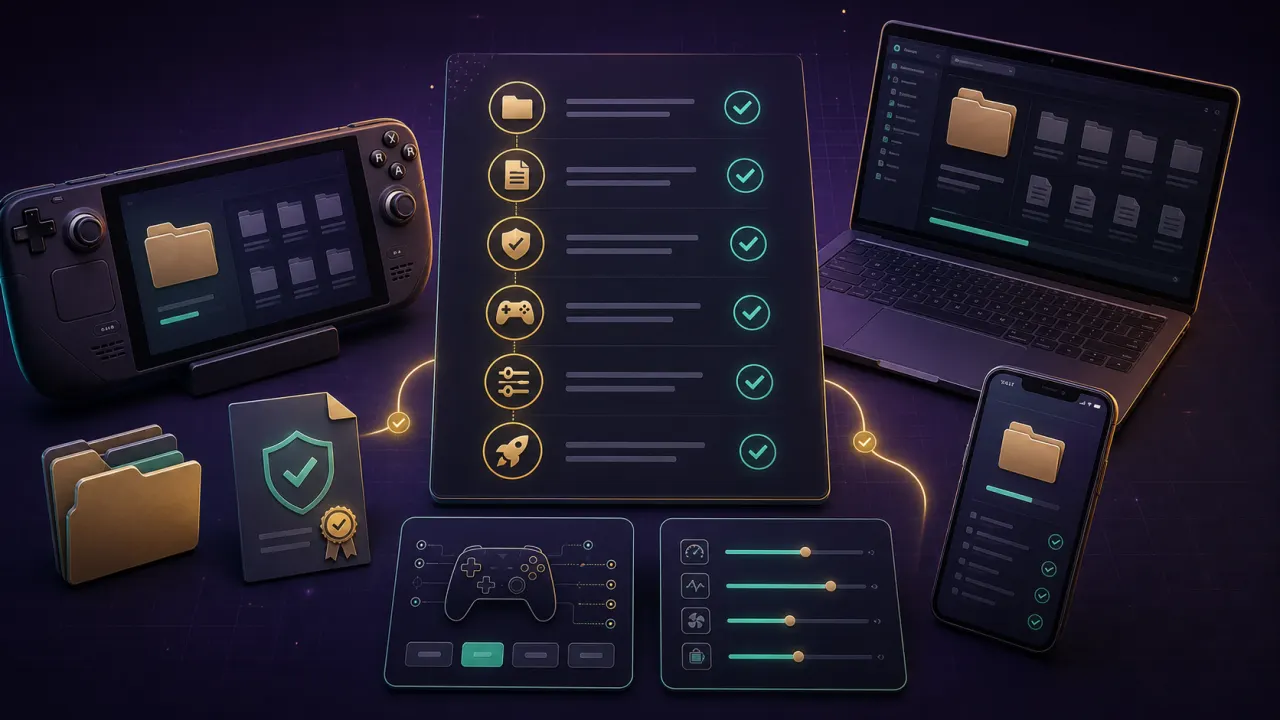
Dusklight Android v1.1.1 Update Notes
Dusklight Android v1.1.1 added Files app access to Dusk data, an Open Data Folder option, crash reporting, and fixes for Adreno alpha discard, initial pipeline cache copying, default controller mappings, and gyro aiming. Update Dusk Android before troubleshooting old storage or graphics problems.
Android Requirements for Dusk Android
Use a capable Android phone, tablet, or gaming handheld with enough storage and a supported controller if you do not want to use touch controls. Dusk Android is most practical when you can easily manage local files and test performance after each change.
Download the Official Dusk APK
Download the official Android APK from the Dusk releases page. Do not use repacked APKs, ROM bundles, or unknown app stores.
Download links for this step
Prepare Your Twilight Princess ROM Legally
Dusk Android requires a ROM dumped from your own legally purchased GameCube disc. You can also download the ROM from the link below.
Download links for this step
Install the APK and Grant Storage Access
Install the APK, open Dusk once, and grant only the storage access needed for your own files, saves, and user content.
Move Files with Android Files App
Use the Files app or the Open Data Folder option in Dusklight Android v1.1.1 to place user-owned files where the current release expects them. If the default Files app hides Dusk data, try the Files app recommended in the official release notes.
Pair and Test a Controller
Bluetooth controllers are the simplest Android starting point. Test camera, movement, and the GameCube-style Z action before long sessions.