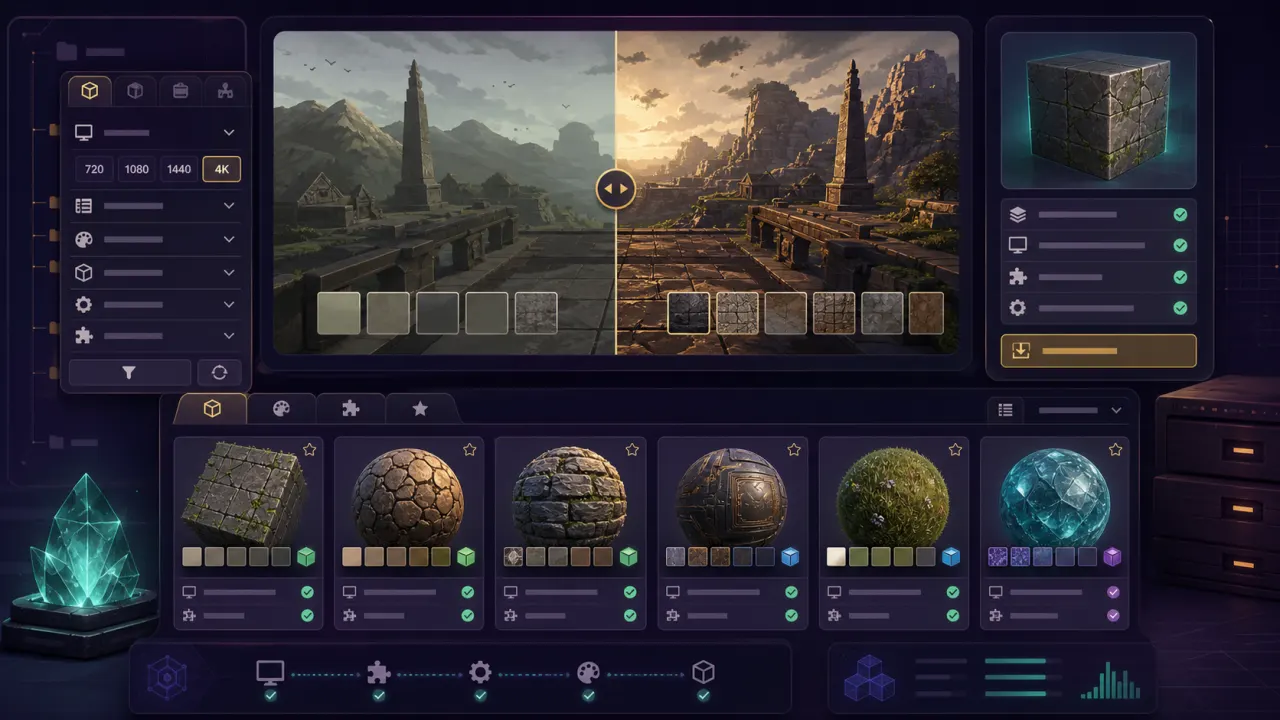
dusk 4k: quick answer
Configure Dusk for 4K resolution on PC. Hardware requirements, texture pack combinations, performance costs, and safe fallback settings.
dusk 4k FPS estimator
Dusk 4K requirements and realistic expectations
The Dusk site highlights higher resolutions and frame rates compared with early hardware. For 4K, use a desktop GPU or strong Apple Silicon Mac first; handhelds should usually stay at 720p or 1080p with lighter textures.
Dusk 4K setup order
Raise render resolution before adding a 4K texture pack. If the clean game stutters at 4K, a texture pack will only make diagnosis harder.
- Set render height to 2160p
- Test stock textures
- Add HD texture pack
- Move to 4K textures only after testing
Dusk 4K and Twilight Princess texture packs
Henriko Magnifico says the Twilight Princess 4K pack includes over 1.8K custom textures and supports both Dusk and Courage Reborn.
Dusk 4K troubleshooting
If 4K causes stutter, drop texture size before dropping resolution. If textures load late, check the folder structure and return to the clean stock profile.