dusk vs dolphin emulator: quick answer
Is Dusk an emulator? Compare Dusklight, the Dusk Twilight Princess native port-style route, with Dolphin Emulator for setup, texture packs, controllers, and mobile builds.
dusk vs dolphin emulator selector
Check what matters to you and the recommendation will update below.
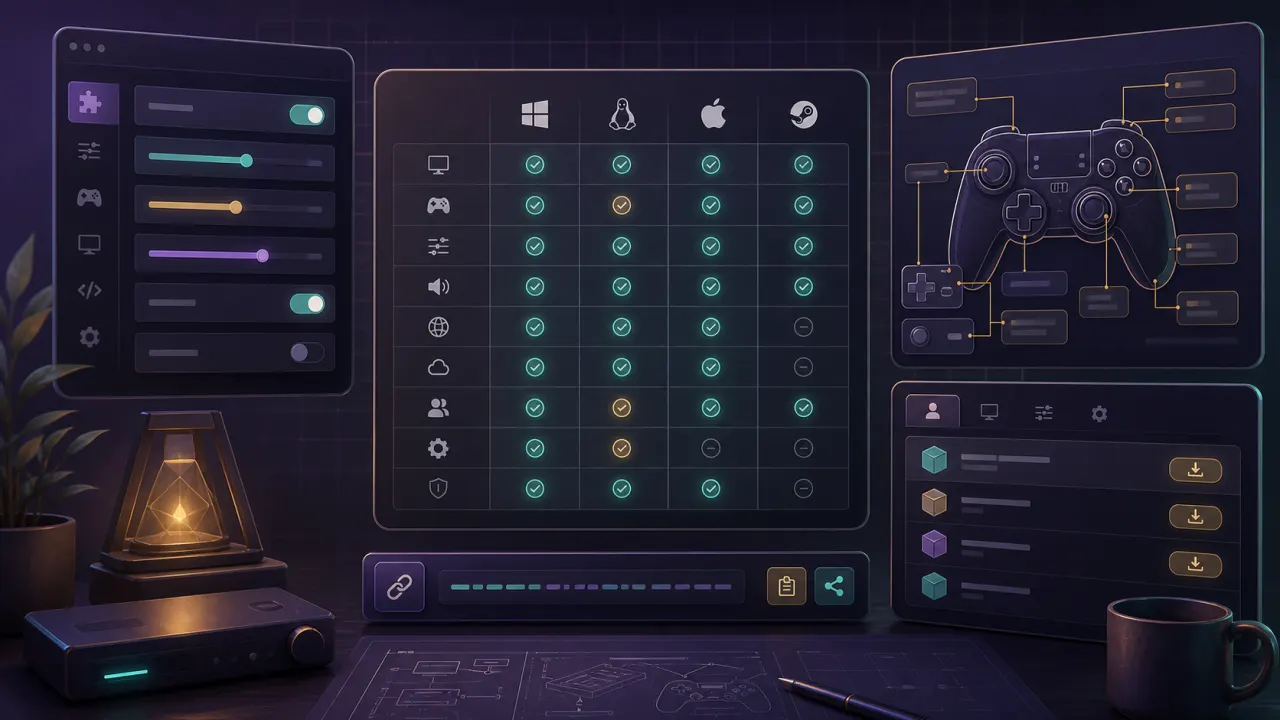
| Decision point | Dusk | Dolphin Emulator |
|---|---|---|
| Runtime | Native port-style project | GameCube / Wii emulator |
| Platforms | Windows, macOS, Linux, iOS, Android, Steam Deck | Windows, macOS, Linux, Android, and emulator-focused setups |
| Setup focus | Dusk settings, data folder, replacement content | Graphics, controllers, resource packs, and per-game emulator settings |
| Texture packs | Dusk texture_replacements workflow | Dolphin custom textures / Resource Pack workflow |
| Best fit | Players who want Dusk features and mobile builds | Players who want a mature emulator, save states, or Wii/GC configuration |
dusk emulator setup path
A dusk emulator query starts with the runtime. Dusklight uses the TwilitRealm release and its own data folder, settings, and replacement content flow. Dolphin Emulator runs Twilight Princess through a GameCube or Wii emulator workflow, so the setup revolves around Dolphin graphics, controllers, game profiles, and resource packs.
dusk emulator platform support
A dusk emulator comparison is close on desktop, but the mobile story is different. Dusklight v1.1.1 ships iOS and Android builds, while Dolphin Emulator remains a strong option when you already use emulator libraries, Android emulator settings, or per-game profiles.
dusk emulator texture packs and mods
A dusk emulator search often leads to texture pack confusion. Dusklight v1.1.1 supports texture replacements and PNG texture development, while Dolphin Emulator has its own custom texture and Resource Pack approach. Use Dusklight for Dusk-specific mods; use Dolphin Emulator when an existing Dolphin texture pack or save-state workflow matters more.
Dusk vs Dolphin Emulator recommendation
Choose Dusk if you want the current Zelda Dusk port, mobile builds, Dusk settings, and a modern replacement-content workflow. Choose Dolphin Emulator if you want a mature emulator, GameCube or Wii behavior, save-state habits, and years of compatibility notes. For serious testing, keep Dusk vs Dolphin Emulator notes for controls, visuals, and performance.