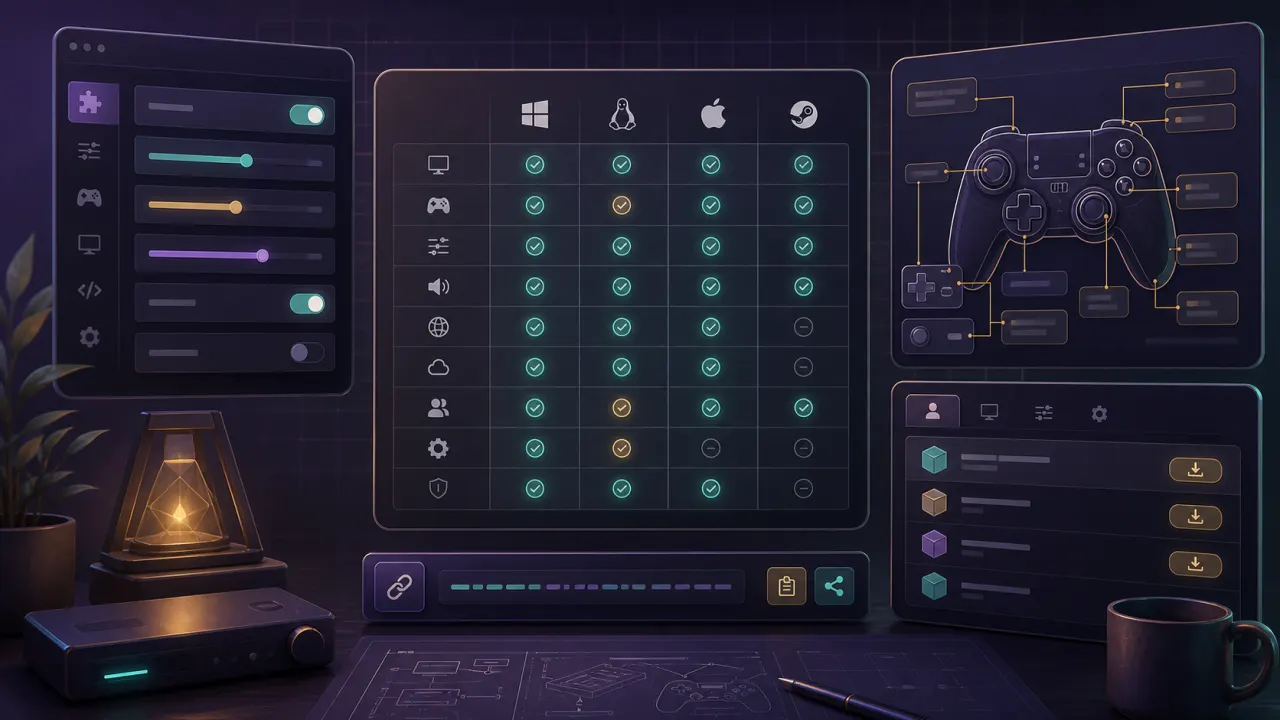
dusk controller mapping: quick answer
Interactive Dusk controller mapping tool for Xbox, PlayStation, Switch Pro, and GameCube layouts. Check Z, camera, confirm, and pause inputs.
dusk controller mapping mapper
Select a controller and check which button should cover each GameCube action before testing in Dusk.
| Dusk / GameCube action | Recommended input | Check |
|---|
Dusk controller mapping for Z/back
The Z/back action is the first custom mapping to verify. Dusklight v1.1.1 fixed default mapping issues, so update before you decide a controller is broken.
Dusk controller mapping for camera
Map C-stick camera to the right stick and decide inversion early. Test camera and targeting in the same session.
Dusk controller mapping export habit
After verification, save a profile name that includes the platform and date. That gives you a rollback point when testing mods.